

Android
Recommended Browsers
 Chrome
 Edge
Edge
 Samsung Internet

- Open dailyexpenseapp.com in Chrome.
- Tap the Install App button.
- Tap Install when prompted.
-
If you don't see the button:
- Tap the ⋮ (menu) in Chrome.
- Select Install App or Add to Home screen.
- The app will appear on your Home Screen and App Drawer.


 Safari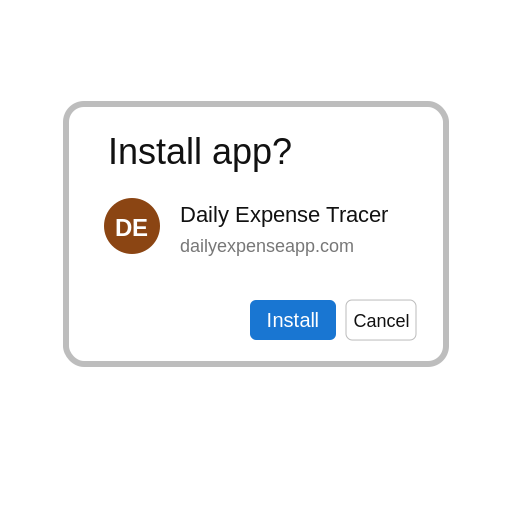

 Android - Chrome, Edge, Samsung Internet (latest)
 iOS - Safari does not support one-click install (Manual only)
 The app is already installed on your device.